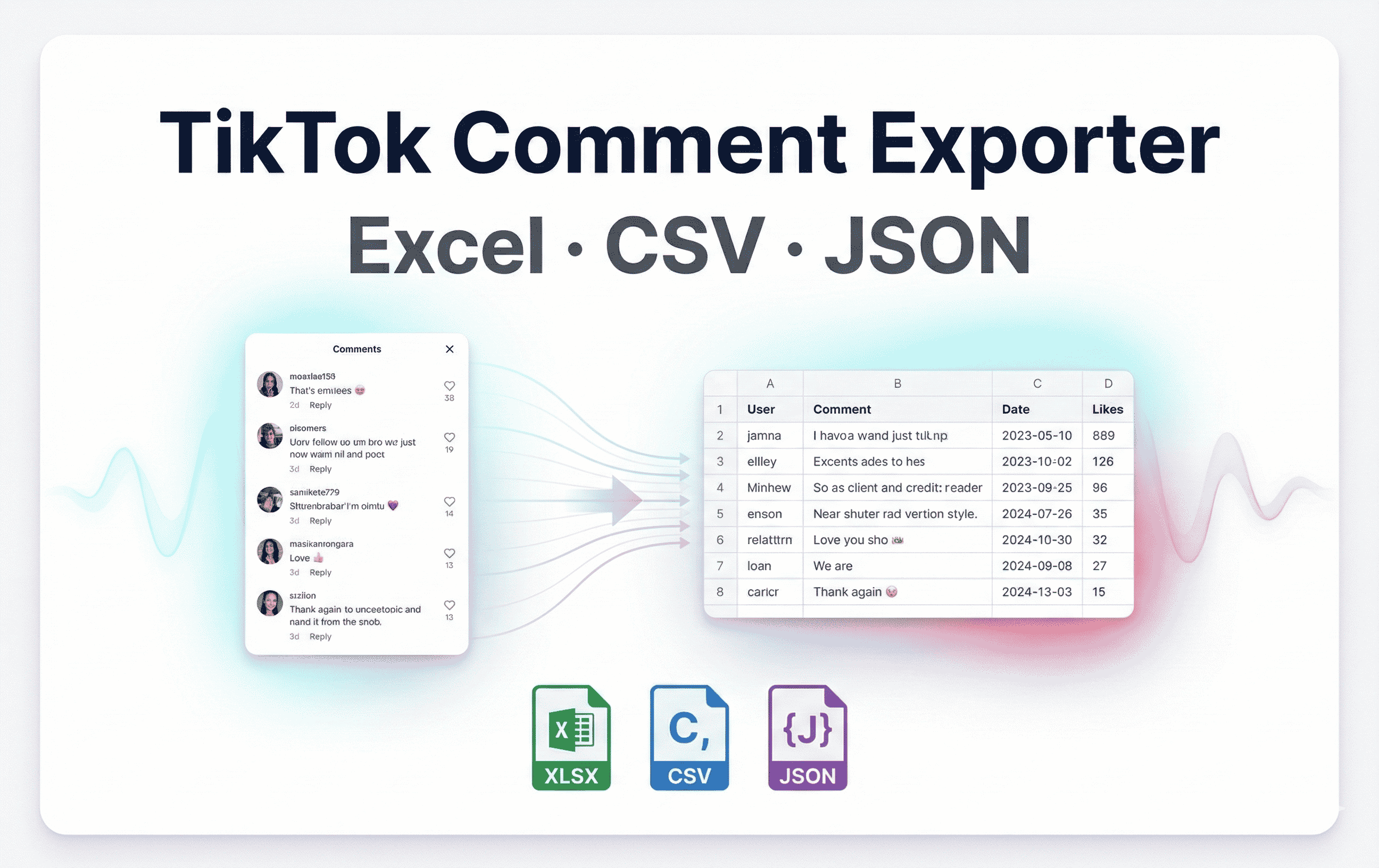
Download TikTok video comments (with replies) to Excel (XLSX), CSV, or JSON. Track export progress, pause/resume anytime, and keep all processing local in your browser.
10,000+ users worldwide

Export and download TikTok video comments (with replies), save to Excel/CSV/JSON, and collect complete thread data with built-in protection that runs entirely in your browser.
Export comments from any TikTok video and download instantly in the format you need.
Save comments as CSV, Excel (XLSX), or JSON with timestamps, links, and reply structure preserved.
Download thousands of comments at once and auto-split large exports into multiple files to keep everything smooth.
One-click TikTok comment exporter for any video — perfect for analytics, sentiment research, and reporting.
Export the key fields you need for analysis, reporting, and archiving—comments, metadata, and reply threading.
Export TikTok usernames with profile links alongside each comment.
Include comment like counts plus the posted date/time for trend and engagement analysis.
Export replies with parent comment references for complete conversation threads.
Built-in safeguards keep your account safe while scraping large threads.
Automatic pacing with human-like intervals to avoid TikTok rate limits.
Handles challenges and cooling-off periods automatically—no manual babysitting.
Automatic retries with backoff when requests fail so long exports finish reliably.
Tune export speed, chunk size, and pauses while keeping all data 100% local to your browser.
Choose scraping speed and custom pause intervals to fit your risk tolerance.
Split very large exports into manageable batches and choose whether to include replies.
Works on TikTok video pages—no password sharing or external servers.
Real feedback from social media managers and marketers who use TikTok Comment Exporter
Influencer Manager
"We run TikTok Comment Exporter weekly to export video comments and keep our reports clean. File splitting and detailed exports save us hours."
Small Business Owner
"TikTok Comment Exporter pulls thousands of comments into CSV while we sleep. Auto splitting and smart pauses keep exports stable and ready for analysis."
Marketing Director
"Our campaigns rely on clean engagement data. TikTok Comment Exporter exports every comment with reply threading and keeps our reports ready 24/7 in one place."
Install TikTok Comment Exporter, open any TikTok video page, choose a format, and export comments instantly.
Add the Chrome extension and open TikTok in your browser.
Go to any TikTok video page and open the comments panel.
Pick Excel (XLSX), CSV, or JSON, choose whether to include replies, and click Start Export to download.
Free plan exports up to 200 comments per video. Paid plans remove export limits — all paid options have the same features; only the access period differs.
Best for testing TikTok Comment Exporter with a 200-comment export cap.
Unlimited comments, replies, and reliable export controls. Cancel anytime.
30 days of unlimited exports and advanced options. Pay once, no renewal.
Only $3.33/month
365 days of unlimited exports and advanced options. Pay once, no renewal.
Save $53.77 vs 2 years
Permanent access with all export features and updates.
Everything you need to know about exporting TikTok comments (including replies) safely.
Yes. TikTok Comment Exporter runs entirely in your browser.
Free plan exports up to 200 comments per video. Every paid plan unlocks unlimited comments and the same features—only the access duration differs (subscription, monthly pass, yearly, lifetime).
TikTok Comment Exporter exports to Excel (XLSX), CSV, and JSON. Files include comment text, username, profile URL, likes, posted date/time, reply count, and parent comment reference for replies.
Yes. You can include or exclude replies during export. Replies are exported with a parent comment reference so you can reconstruct complete threads.
TikTok Comment Exporter uses built-in rate-limit protection:
Have questions or need assistance? Our team is here to help you get the most out of our services